
Shellnium
Shellnium is the selenium webdriver for Bash. You can exec selenium simply on your terminal.
All you need is Bash (or Zsh).
Overview
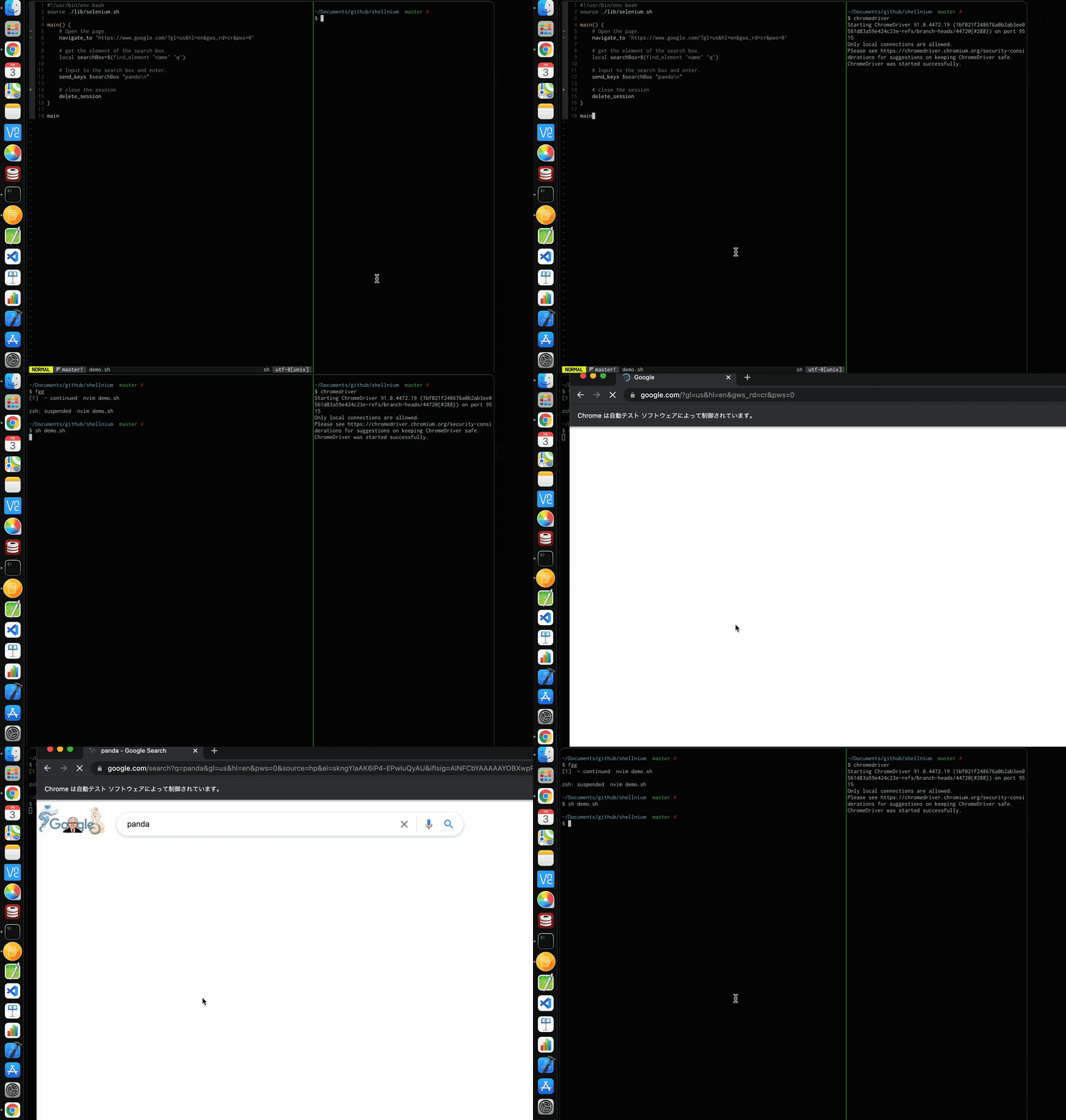
#!/usr/bin/env bash
source ./selenium.sh

main() {
    # Open the URL
    navigate_to 'https://www.google.com'

    # Get the search box
    local searchBox=$(find_element 'name' 'q')

    # send keys
    send_keys $searchBox "panda\n"
}

main
Demo
Methods
Shellnium provides the following methods. Document is here or please see core.sh .
- is_ready
- new_session
- delete_session
- navigate_to
- get_current_url
- get_title
- back
- forward
- refresh
- get_timeouts
- set_timeouts
- set_timeout_script
- set_timeout_pageLoad
- set_timeout_implicit
- find_element
- find_elements
- find_element_from_element
- find_elements_from_element
- get_active_element
- get_attribute
- get_property
- get_css_value
- get_text
- get_tag_name
- get_rect
- get_page_source
- is_element_enabled
- send_keys
- click
- element_clear
- exec_script
- screenshot
- element_screenshot
- get_all_cookies
- get_named_cookie
- add_cookie
- delete_cookie
- delete_all_cookies
- get_window_handle
- get_window_handles
- delete_window
- new_window
- switch_to_window
- switch_to_frame
- switch_to_parent_frame
- get_window_rect
- set_window_rect
- maximize_window
- minimize_window
- fullscreen_window
- get_alert_text
- send_alert_text
- accept_alert
- dismiss_alert
- mouse_move_to
- hover
- double_click
- right_click
- drag_and_drop
- key_press
- key_down
- key_up
- send_key_combo
- perform_actions
- release_actions
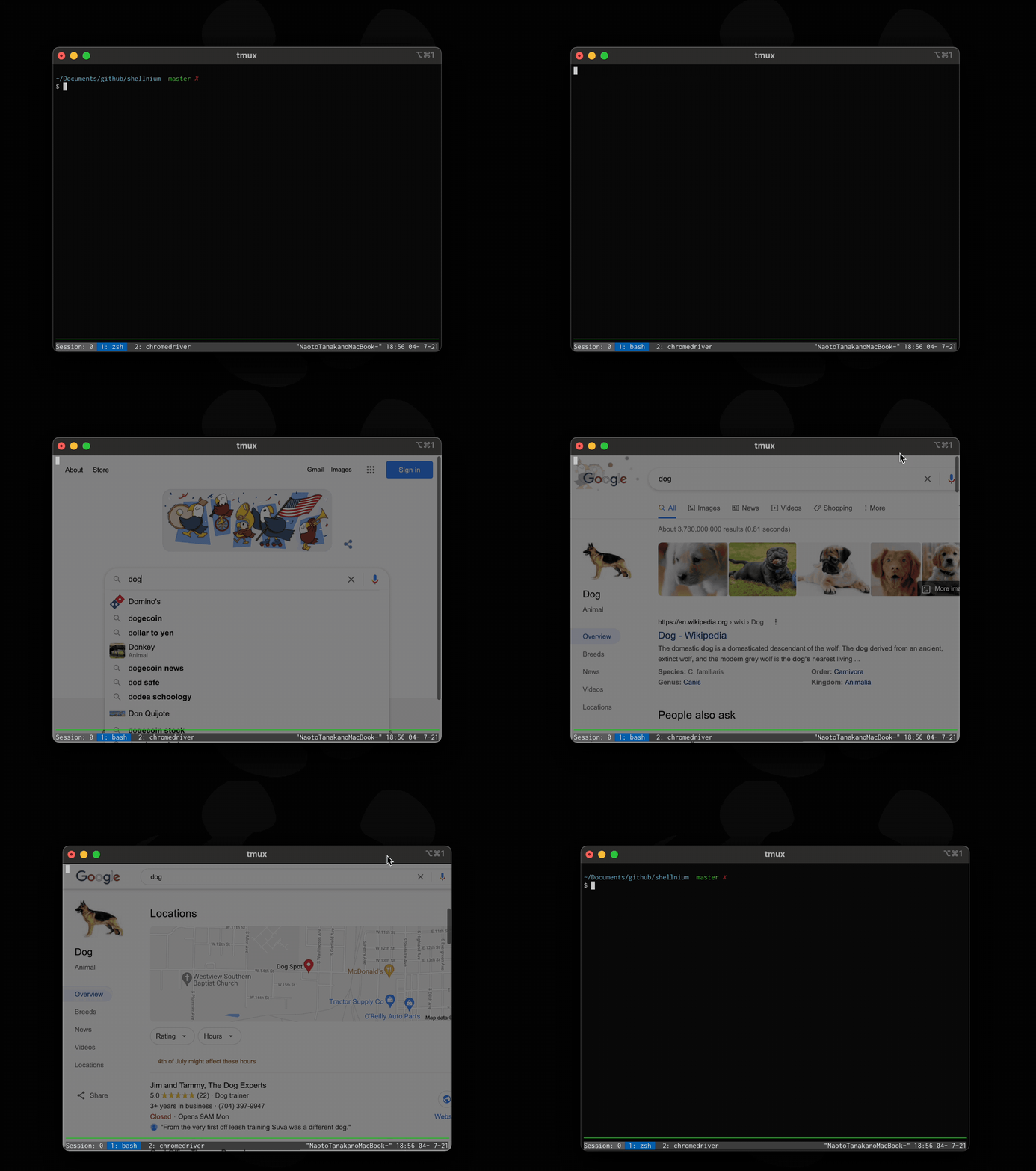
Bonus Demo
demo2.sh
Last updated on